Micron 3200: PDF инструкция по эксплуатации
Инструкция по эксплуатации Micron 3200. Ниже вы найдете PDF инструкцию на русском языке.
Не нашли ответ на свой вопрос? Напишите нам, и мы оперативно вам поможем.
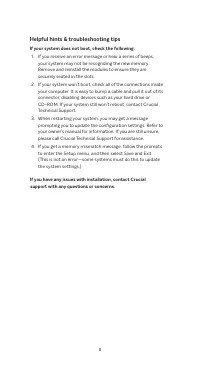
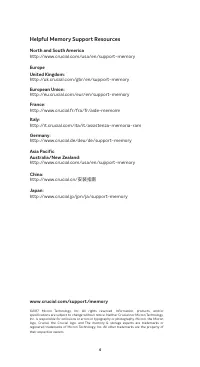
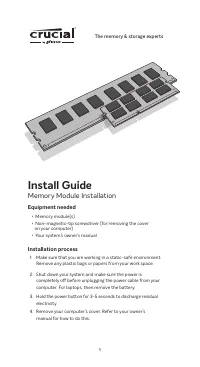
Install Guide
Memory Module Installation
Equipment needed
• Memory module(s)
• Non-magnetic-tip screwdriver (for removing the cover
on your computer)
• Your system’s owner’s manual
Installation process
1. Make sure that you are working in a static-safe environment.
Remove any plastic bags or papers from your work space.
2. Shut down your system and make sure the power is
completely off before unplugging the power cable from your
computer. For laptops, then remove the battery.
3. Hold the power button for 3-5 seconds to discharge residual
electricity.
4. Remove your computer’s cover. Refer to your owner’s
manual for how to do this.
1
The memory & storage experts
™