Philips 32PW9520: PDF инструкция по эксплуатации
Инструкция по эксплуатации Philips 32PW9520. Ниже вы найдете PDF инструкцию на русском языке.
Не нашли ответ на свой вопрос? Напишите нам, и мы оперативно вам поможем.
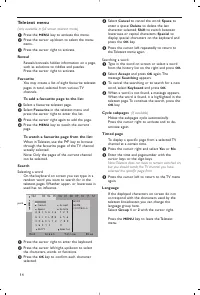
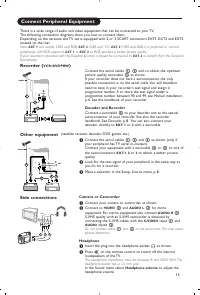
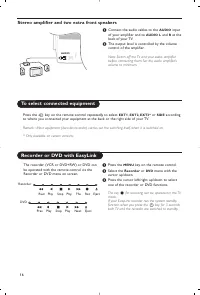
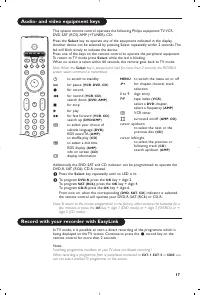


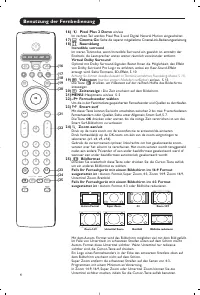
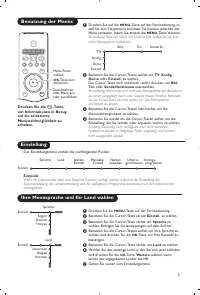
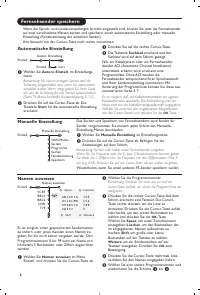
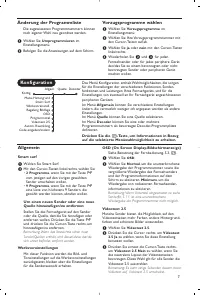
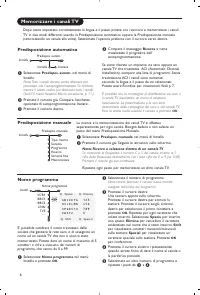
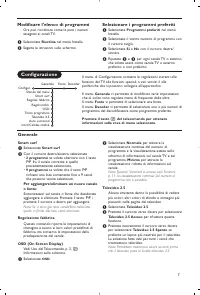
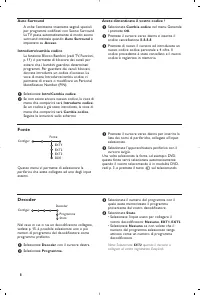
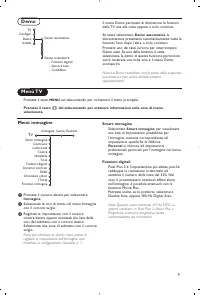
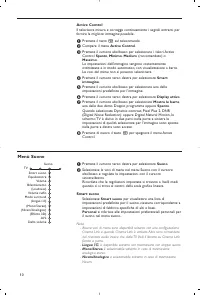
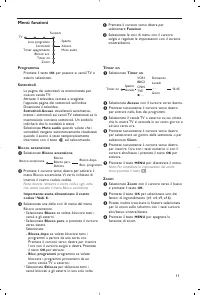
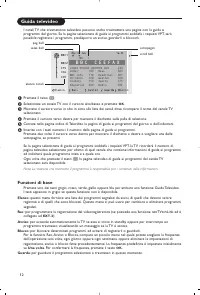
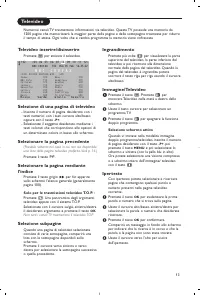
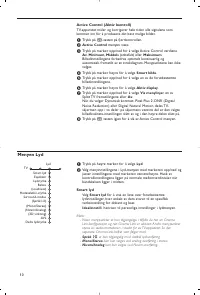
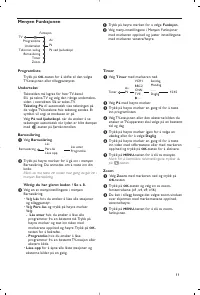
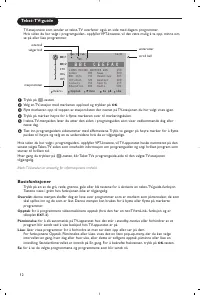
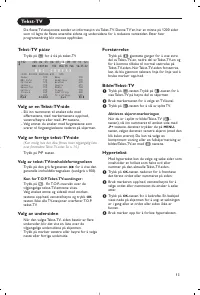
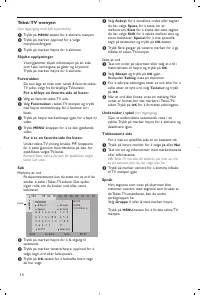
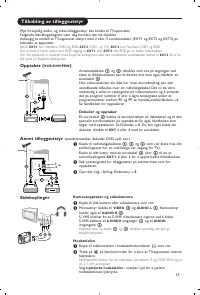
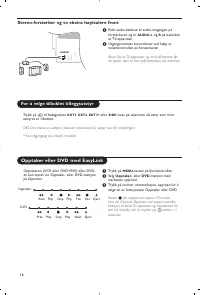
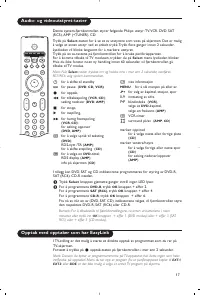
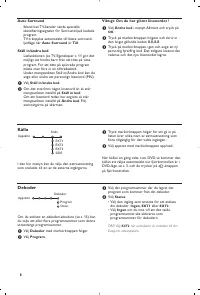
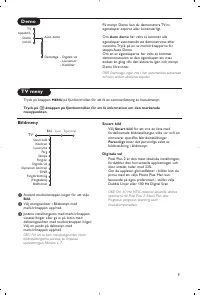
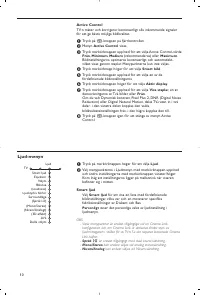
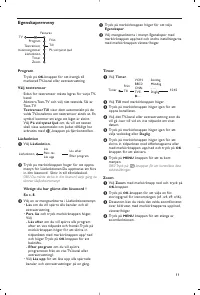
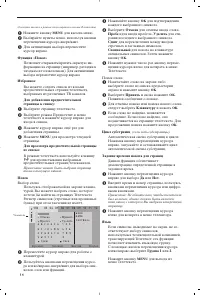
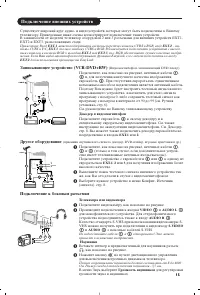
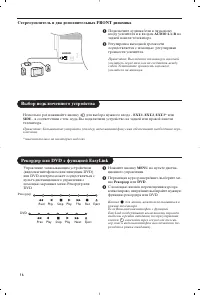
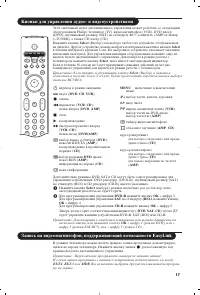
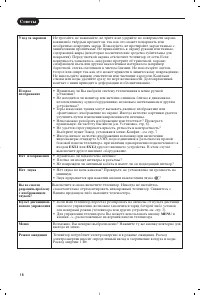
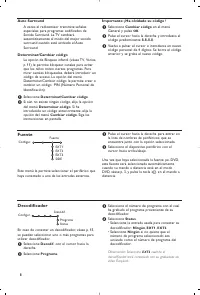
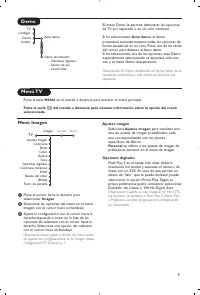
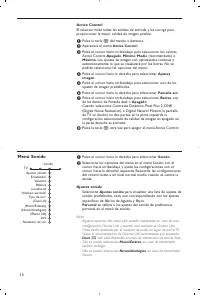
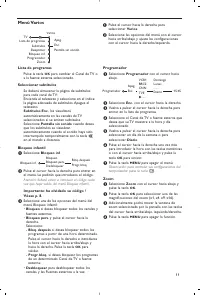
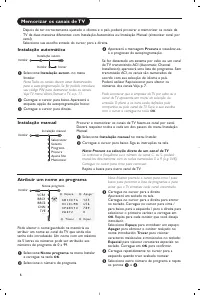
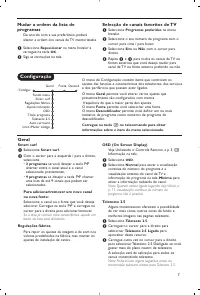
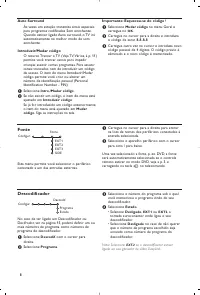
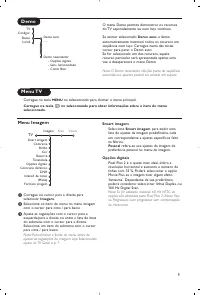
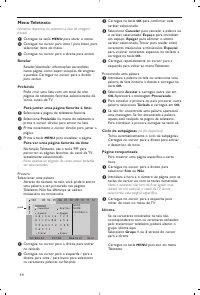
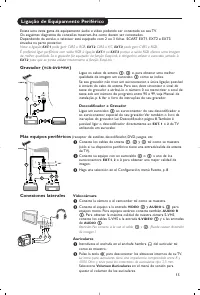
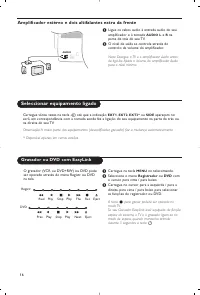
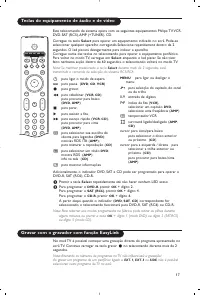

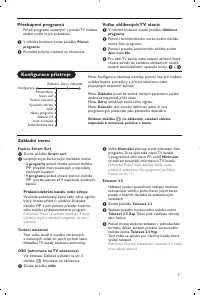
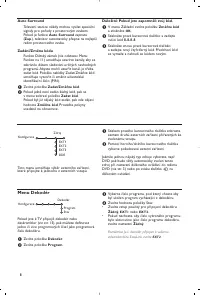
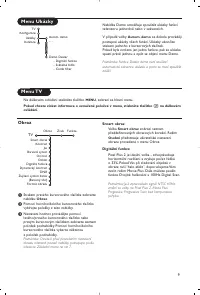
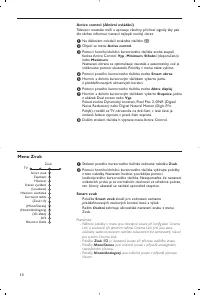

Содержание:
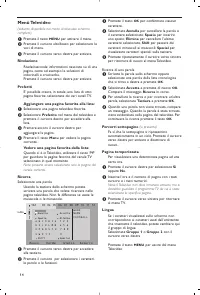
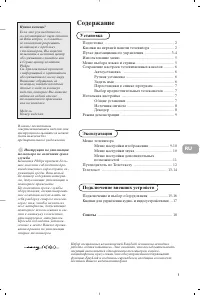
- страница 167 – Содержание; Установка; Меню телевизора; Подключение внешних устройств; Советы; Эксплуатация
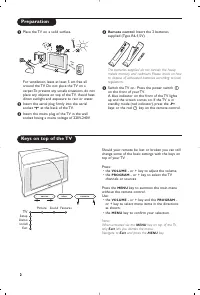
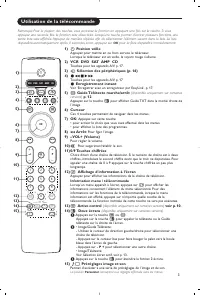
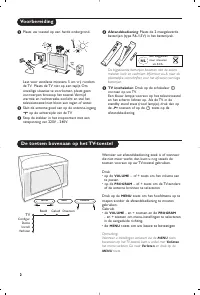
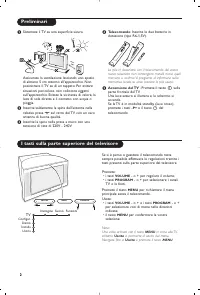
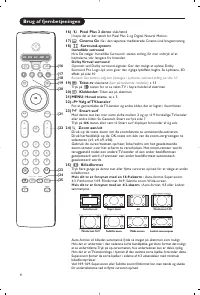
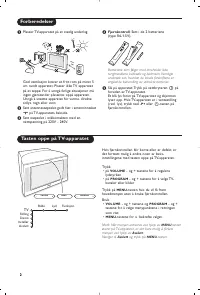
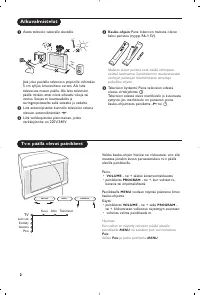
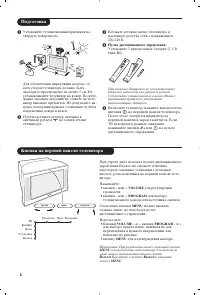
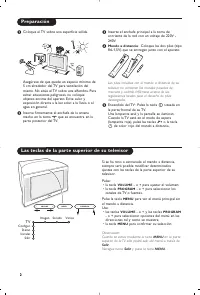
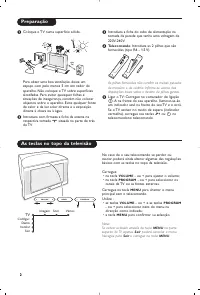
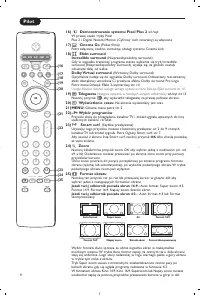
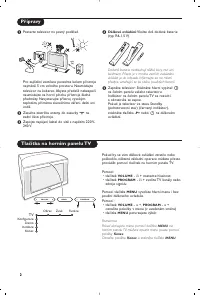
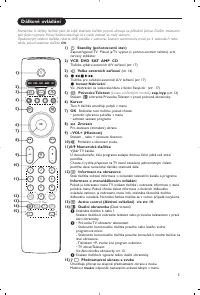
- страница 168 – Пульт дистанционного управления; Подготовка; Кнопки на верхней панели телевизора
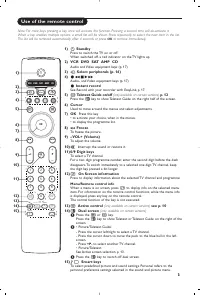
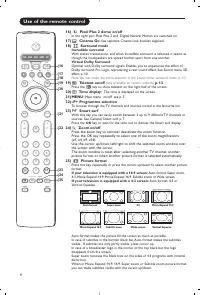
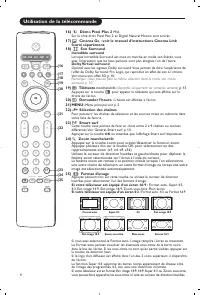
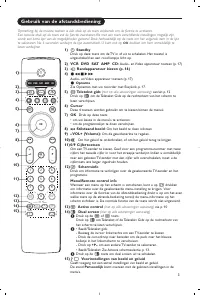
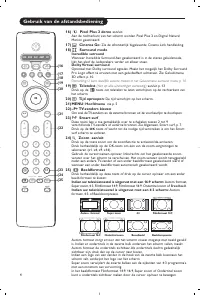
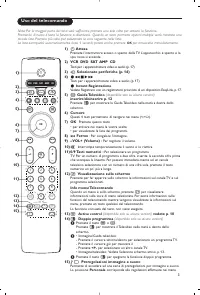
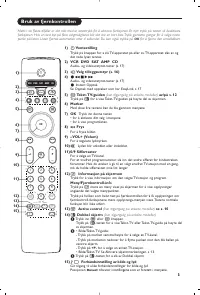
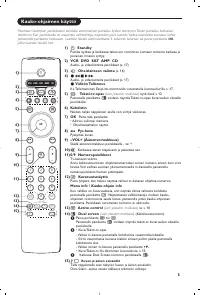
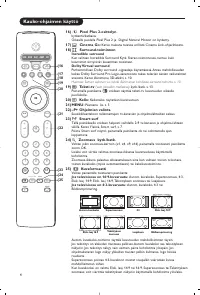
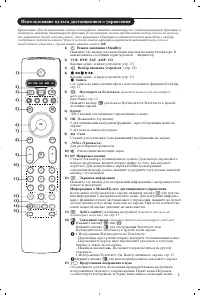
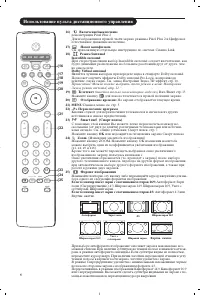
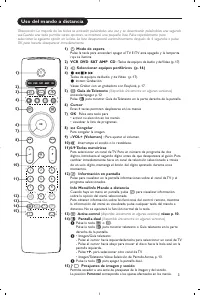
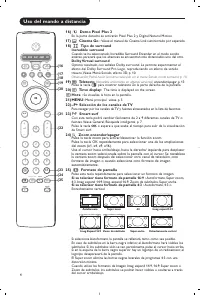
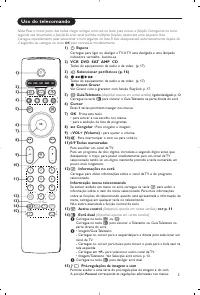
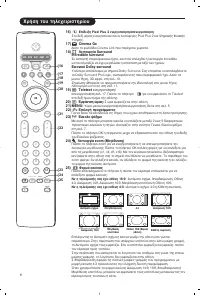
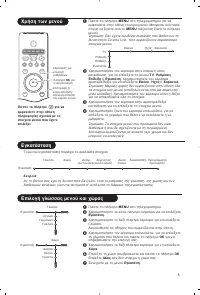
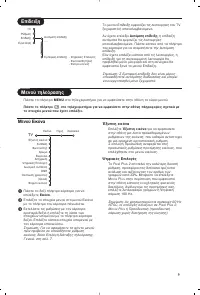
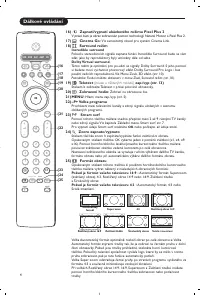
- страница 169 – Использование пульта дистанционного управления; Выбор внешних устройств; Информация о Меню/Пульте дистанционного управления
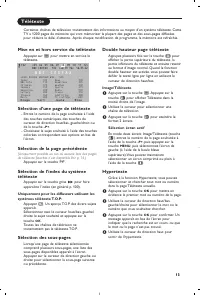
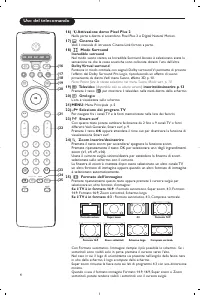
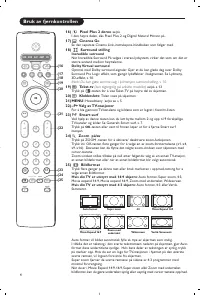
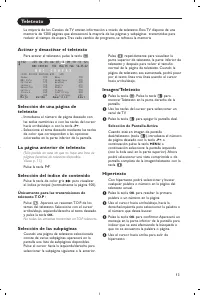
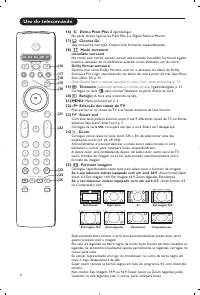
- страница 170 – Телетекст; Формат изображения
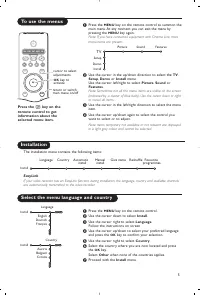
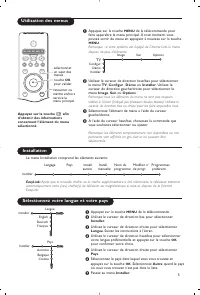
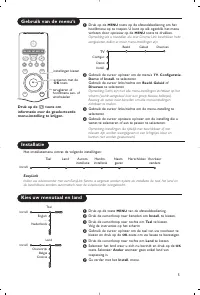
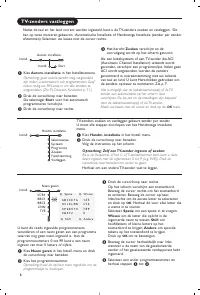
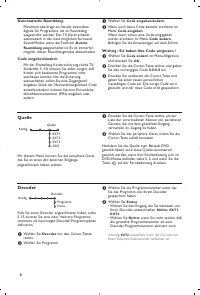
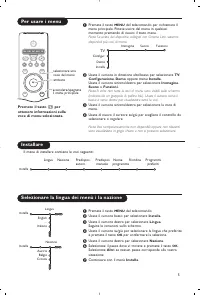
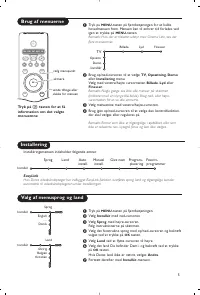
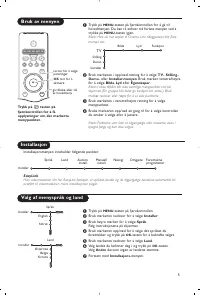
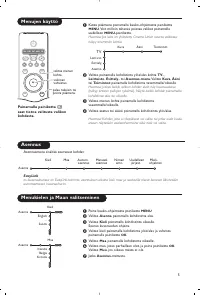
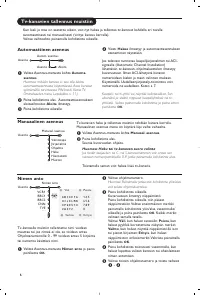
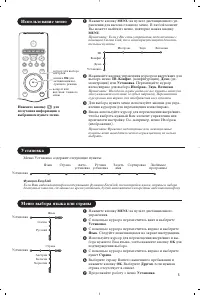
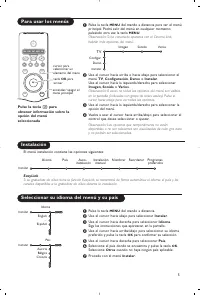
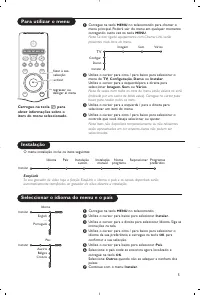
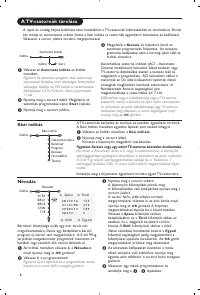
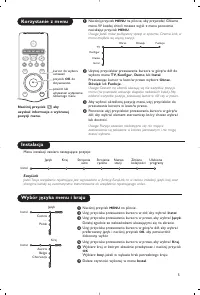
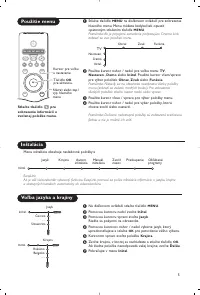
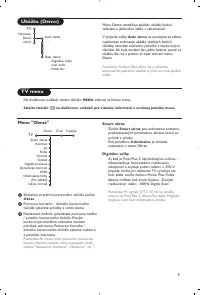
- страница 171 – Использование меню; Уcтaнoвкa; Меню выбора языка или страны
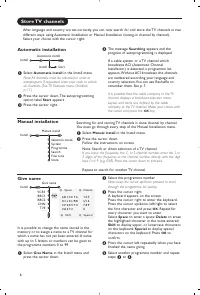
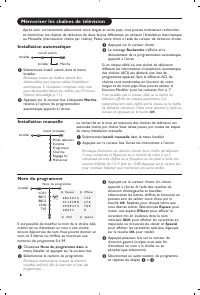
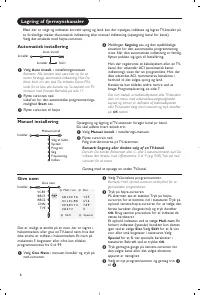
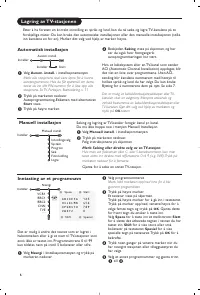
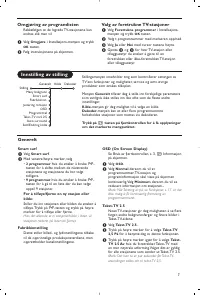
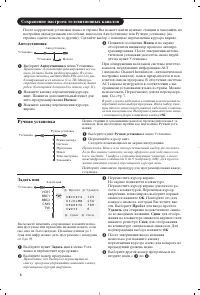
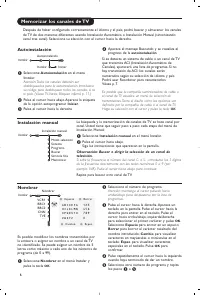
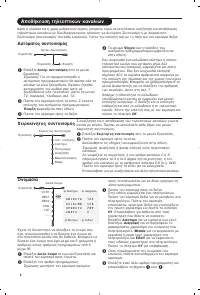
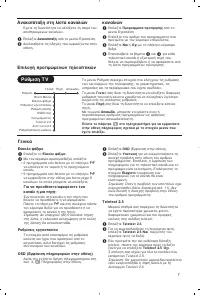
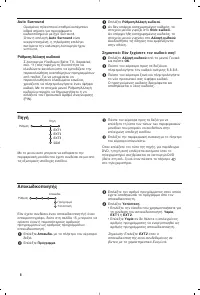
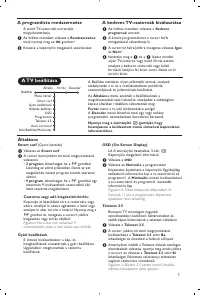
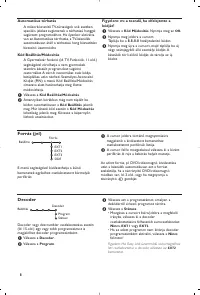
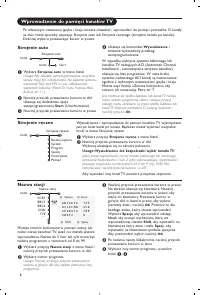
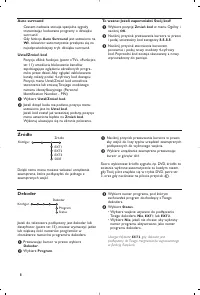
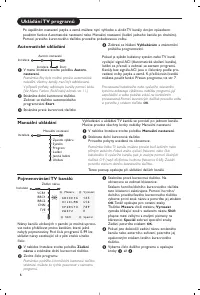
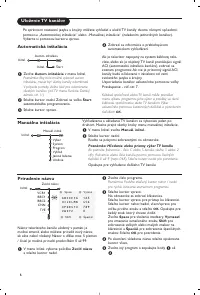
- страница 172 – Автоустановка; Задать имя; Сохранение настроек телевизионных каналов
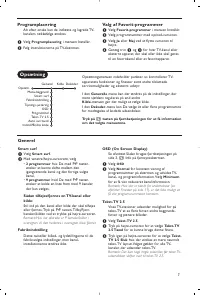
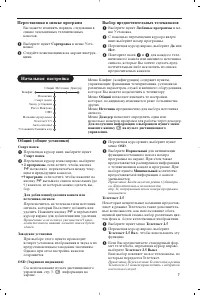
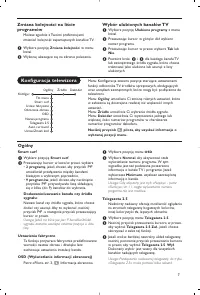
- страница 173 – Начальная настройка
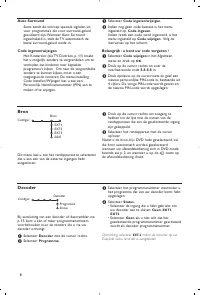
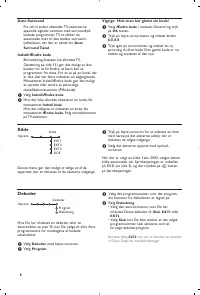
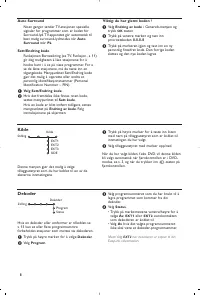
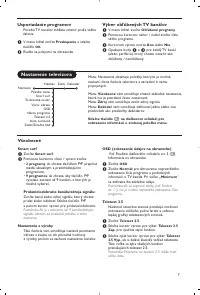
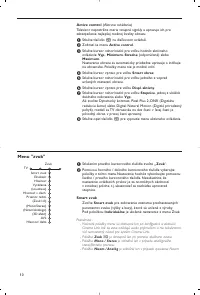
- страница 174 – Aвтo Surround
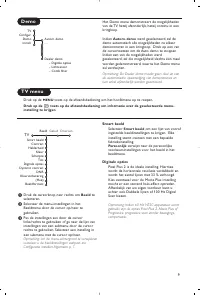
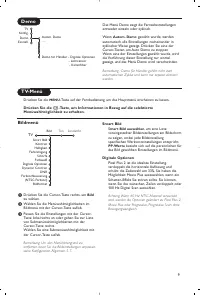
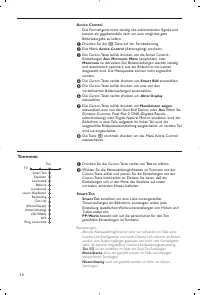
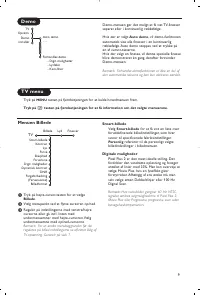
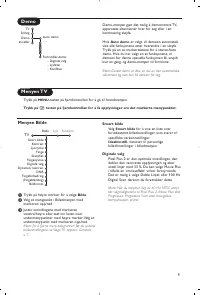
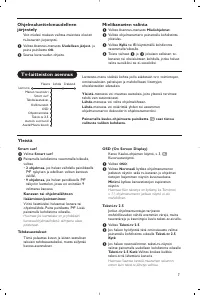
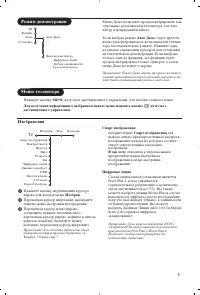
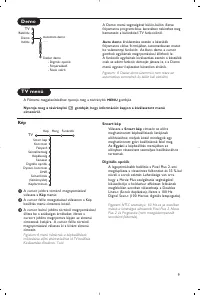
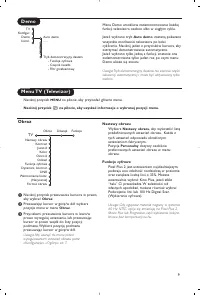
- страница 175 – Изображения; Режим демонстрации
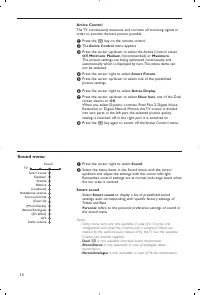
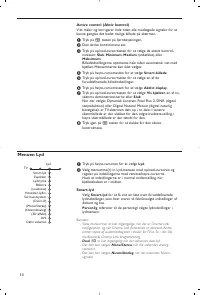
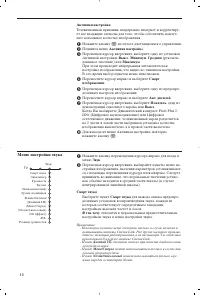
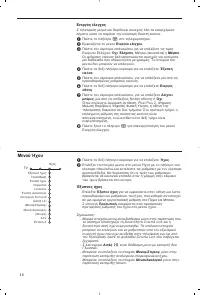
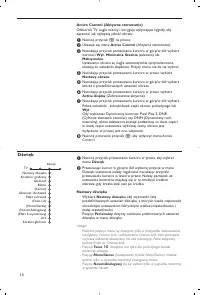
- страница 176 – Меню настройки звука
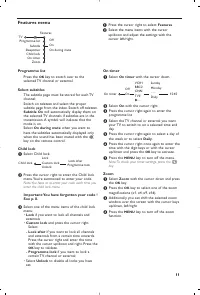
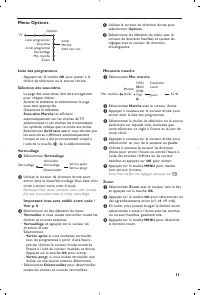
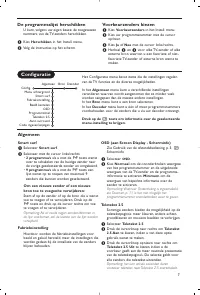
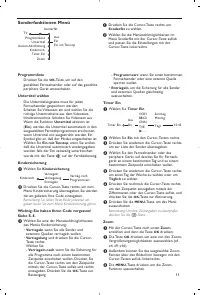
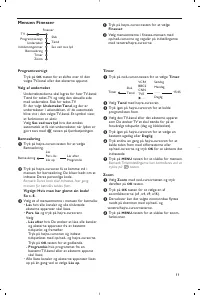
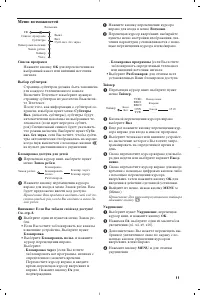
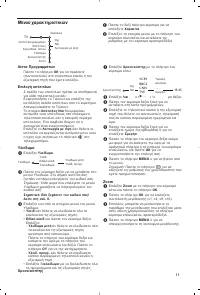
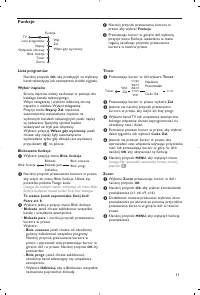
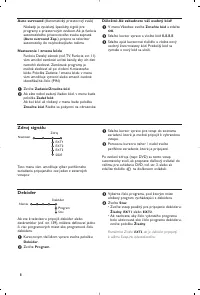
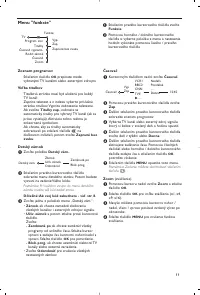
- страница 177 – Меню возможностей
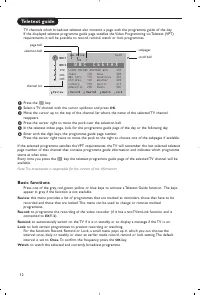
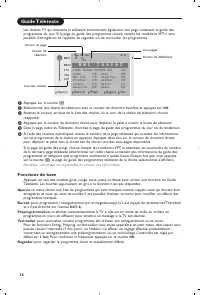
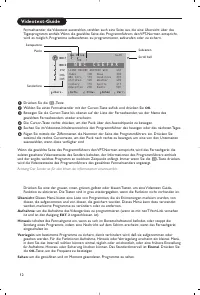
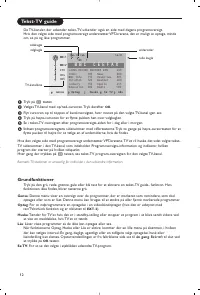
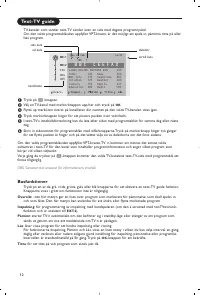
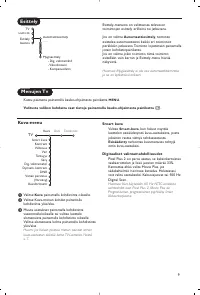
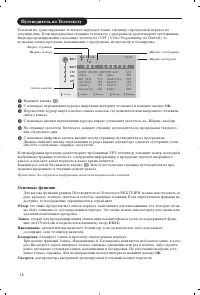
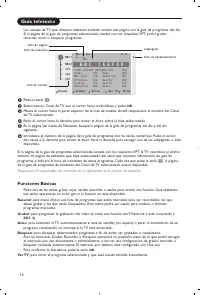
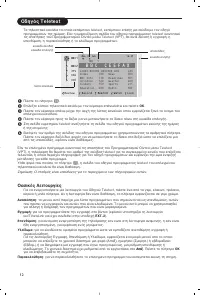
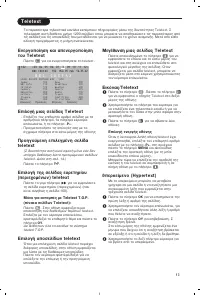
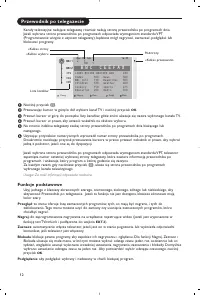
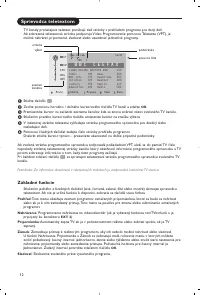
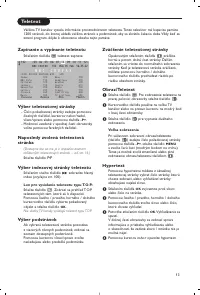
- страница 178 – Путеводитель по Телетексту; Основные функции; Напоминание; Смотреть
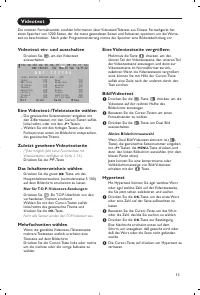
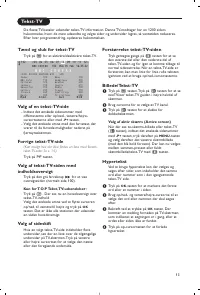
- страница 179 – Выбор активного экрана; Гипертекст
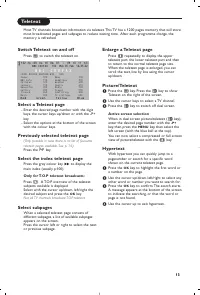
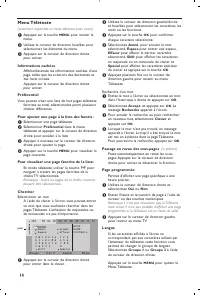
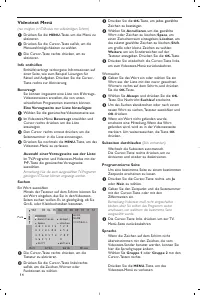
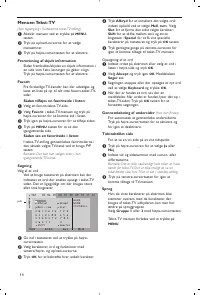
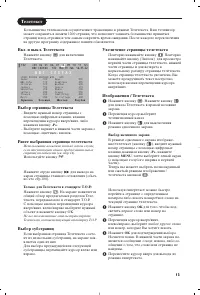
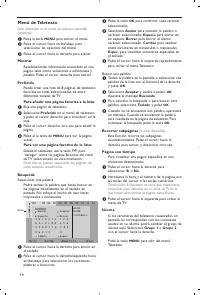
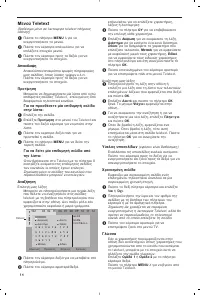
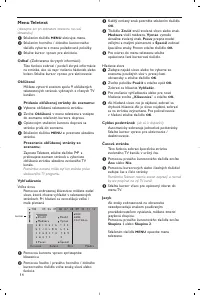
- страница 180 – Меню Телетекста
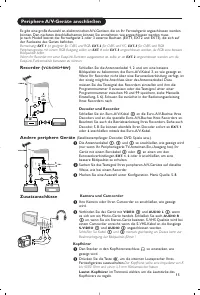
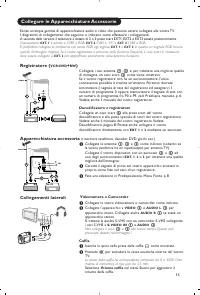
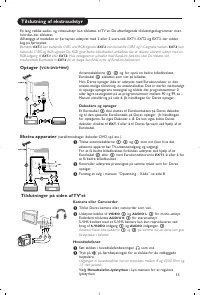
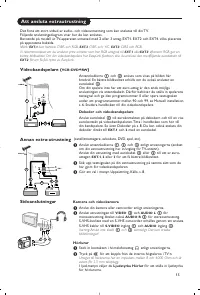
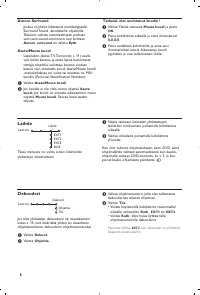
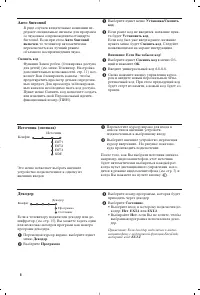
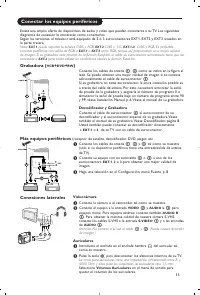
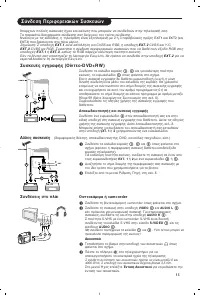
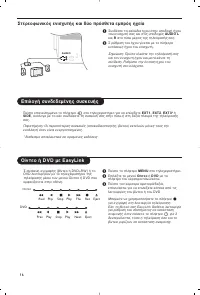
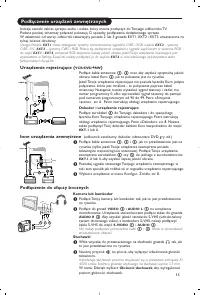
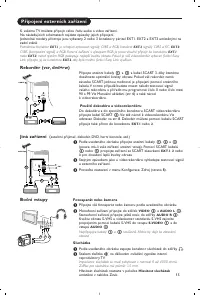
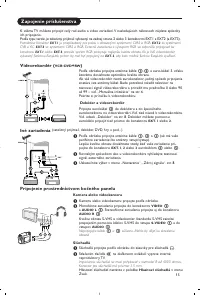
- страница 181 – Декодер и видеомагнитофон; Другое оборудование; Телекамера или видекамерa; Наушники
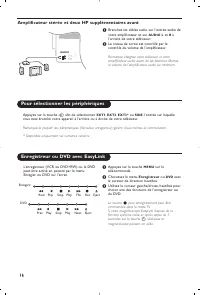
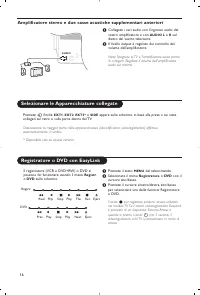
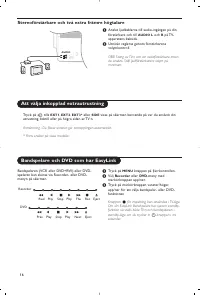
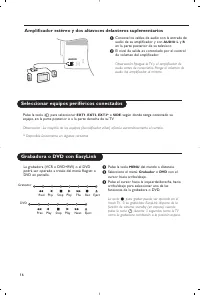
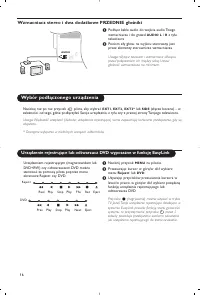
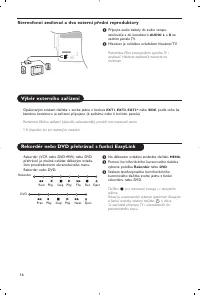
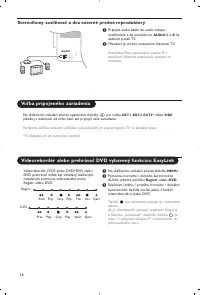
- страница 182 – Выбор подключенного устройства; Peкopдep; Стереоусилитель и два дополнительных FRONT динамика
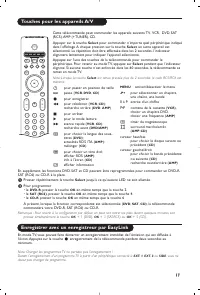
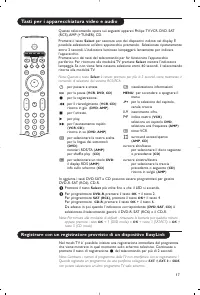
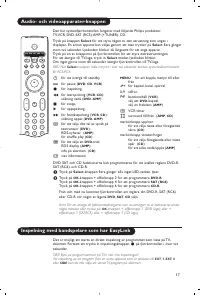
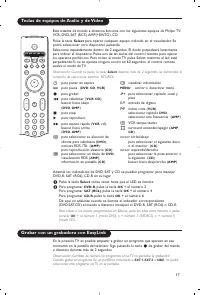
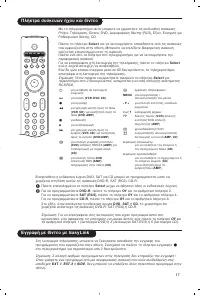
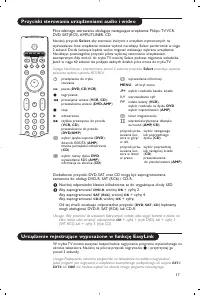
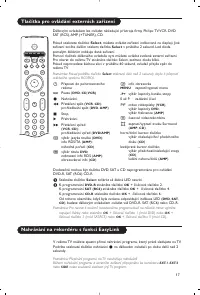
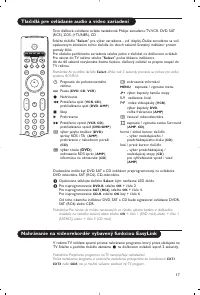
- страница 183 – Кнопки для управления аудио- и видеоустройствами
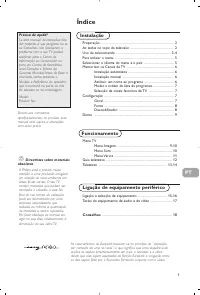
1
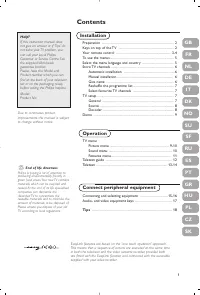
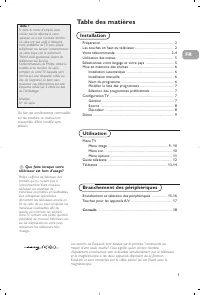
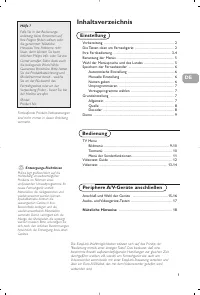
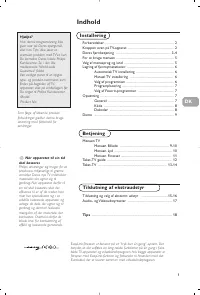
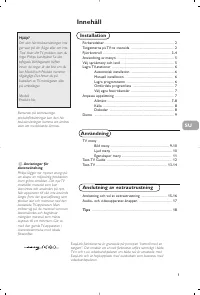
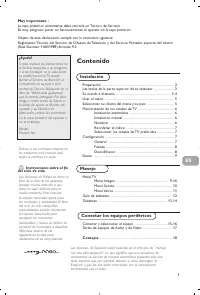
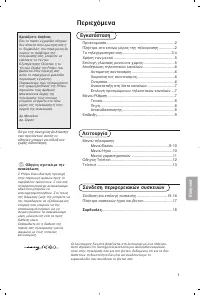
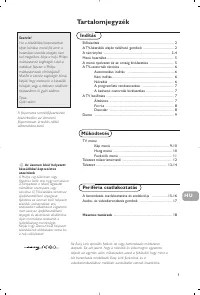
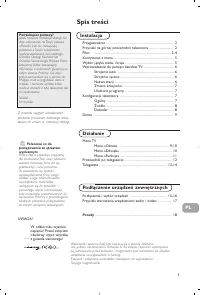
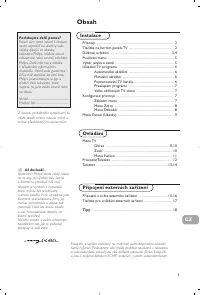
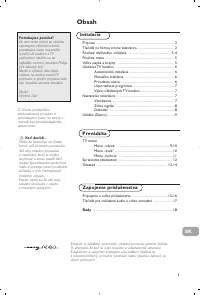
Contents
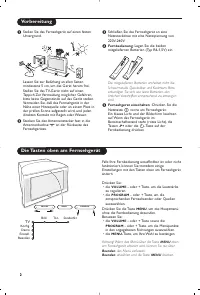
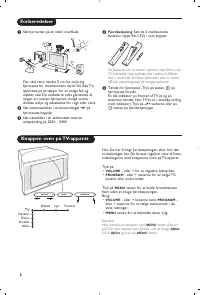
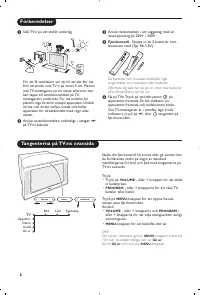
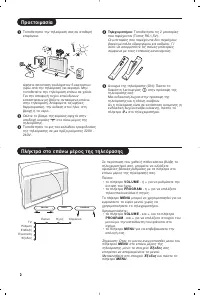
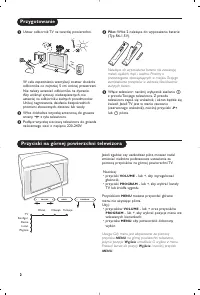
Preparation ........................................................................................ 2
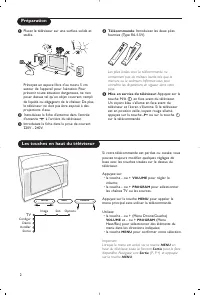
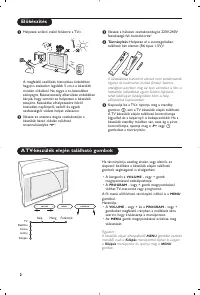
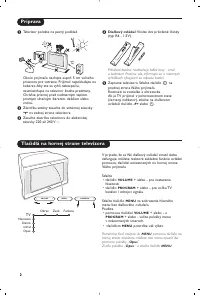
Keys on top of the TV .................................................................... 2
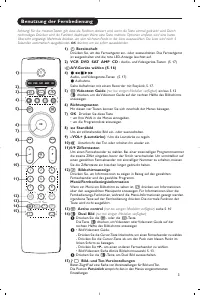
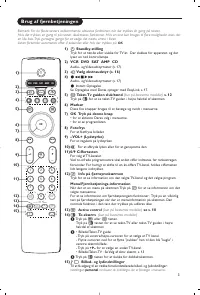
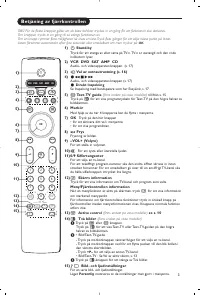
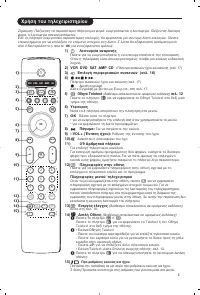
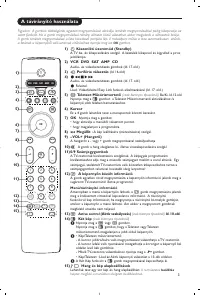
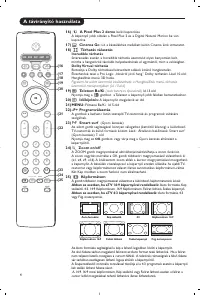
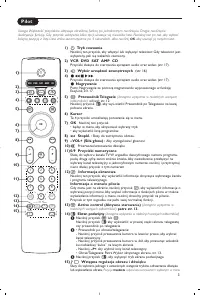
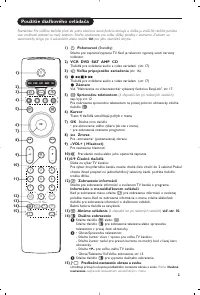
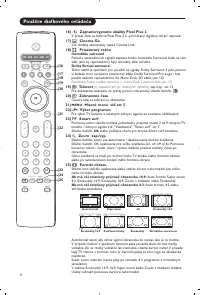
Your remote control ................................................................... 3-4
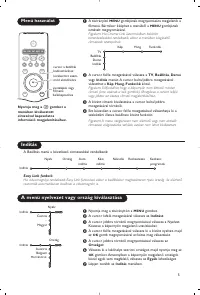
To use the menus .............................................................................. 5
Select the menu language and country ....................................... 5
Store TV channels ............................................................................ 6
Automatic installation ..............................................................6
Manual installation .................................................................... 6
Give name .................................................................................. 6
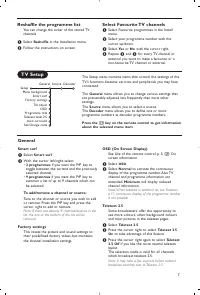
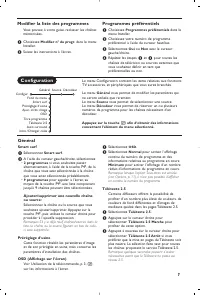
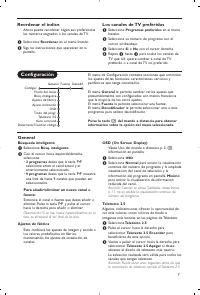
Reshuffle the programme list .................................................. 7
Select favourite TV channels .................................................. 7
TV setup ............................................................................................. 7
General ....................................................................................... 7
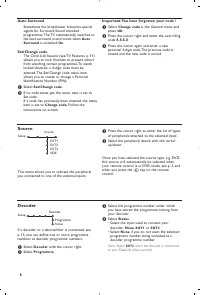
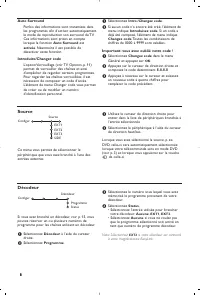
Source .......................................................................................... 8
Decoder ...................................................................................... 8
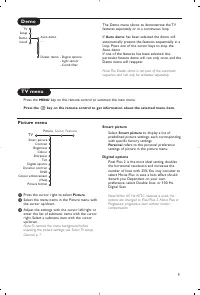
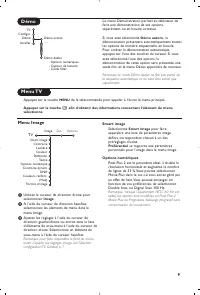
Demo .................................................................................................. 9
Installation
TV menu
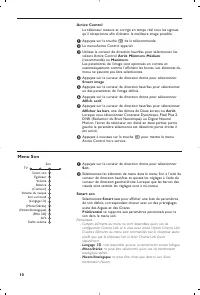
Picture menu ........................................................................ 9-10
Sound menu ............................................................................. 10
Features menu......................................................................... 11
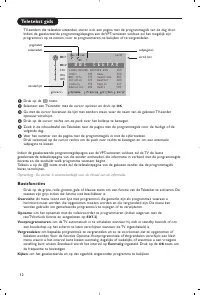
Teletext guide ................................................................................. 12
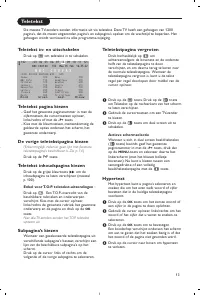
Teletext ...................................................................................... 13-14
Connect peripheral equipment
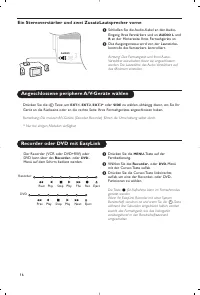
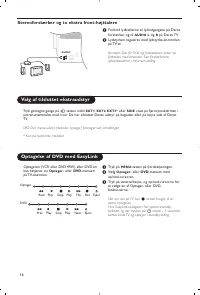
Connecting and selecting equipment ..................................15-16
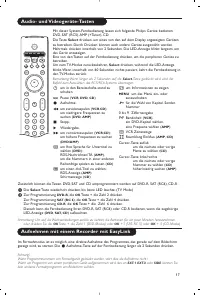
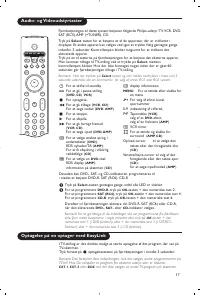
Audio- and video equipment keys ............................................. 17
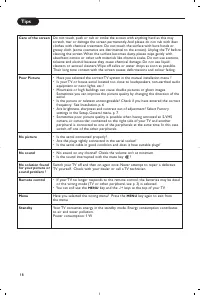
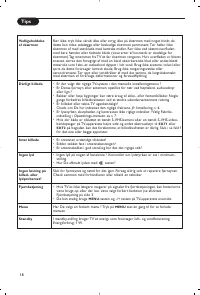
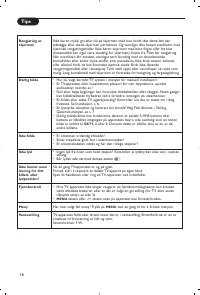
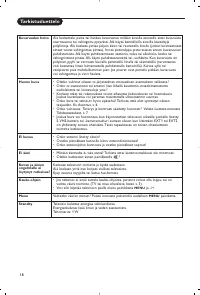
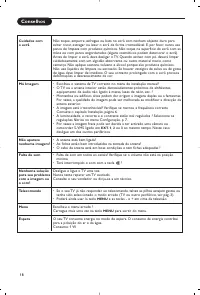
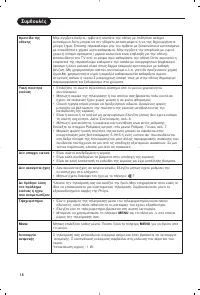
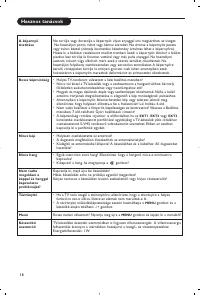
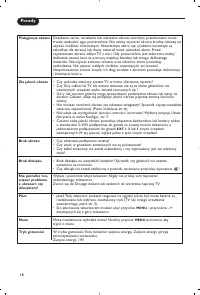
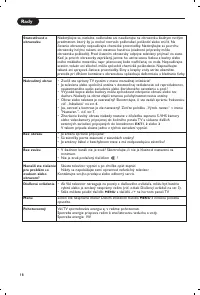
Tips .................................................................................................. 18
Operation
EasyLink features are based on the “one touch operation” approach.
This means that a sequence of actions are executed at the same time
in both the television and the video cassette recorder, provided both
are fitted with the EasyLink function and connected with the eurocable
supplied with your video recorder.
R
End of life directives
Philips is paying a lot of attention to
producing environmentally-friendly in
green focal areas. Your new TV contains
materials which can be recycled and
reused. At the end of its life specialised
companies can dismantle the
discarded TV to concentrate the
reusable materials and to minimise the
amount of materials to be disposed of.
Please ensure you dispose of your old
TV according to local regulations.
Help?
If this instruction manual does
not give an answer or if ‘Tips’ do
not solve your TV problem, you
can call your Local Philips
Customer or Ser vice Centre. See
the supplied World-wide
guarantee booklet.
Please, have the Model and
Product number which you can
find at the back of your television
set or on the packaging, ready,
before calling the Philips helpline.
Model:
Product No:
Due to continuous product
improvements this manual is subject
to change without notice.
FR
NL
DE
IT
DK
NO
SU
SF
RU
ES
PT
GR
HU
GB
PL
CZ
SK